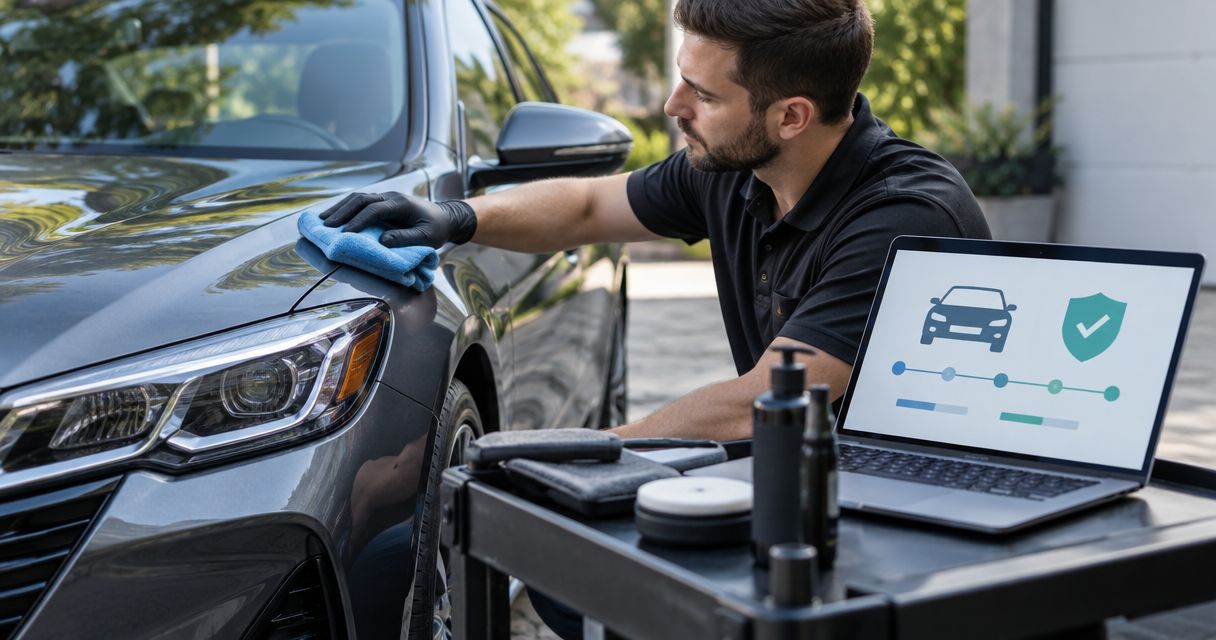
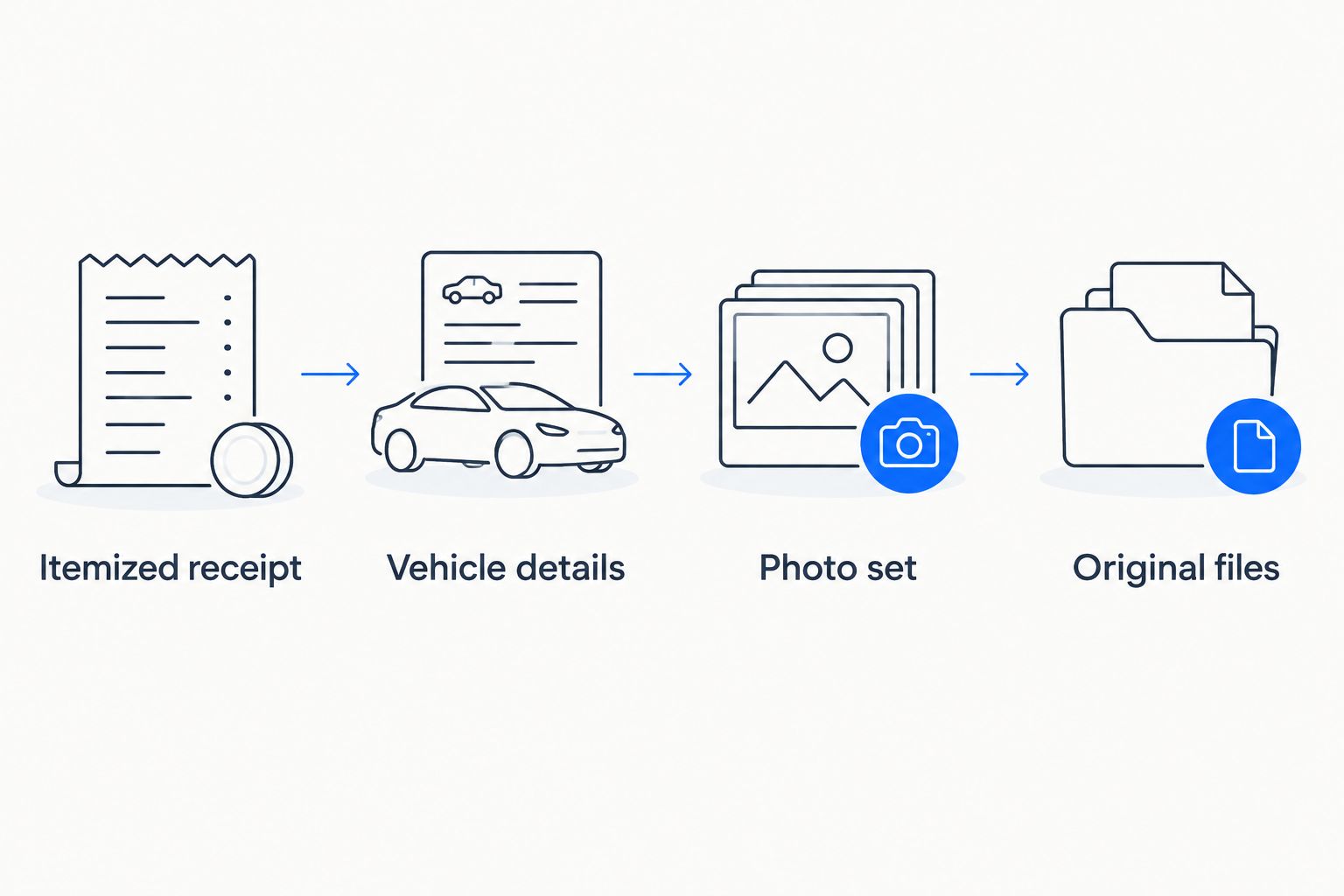
Instead of manually chasing detailing receipts when you sell your car, keep each invoice and condition photo in a vehicle-specific folder after every appointment. Detailing improves presentation, not the facts in a CARFAX vehicle history report; this workflow gives buyers supporting records without implying that cosmetic work changes accident, title, or mileage history.
- For carfax vehicle history report detailing, preserve invoices; cosmetic work does not erase accident or title history.
- Spiffy Me provides mobile detailing for Orange County car owners, not a verified CARFAX reporting service.
- Keep service receipts, condition photos, and vehicle history reports separate so buyers can assess each clearly.
- Personal maintenance records are not proof that an entry appears on a buyer-facing CARFAX report.
Why this matters
A clean car and a documented car answer different questions. Detailing shows the vehicle's current cosmetic condition; a vehicle history report summarizes information reported about its past. Neither replaces a mechanical inspection.
Spiffy Me mobile detailing is best for Orange County car owners seeking interior or exterior detailing at their location. Request a quote through Spiffy Me and describe the work you need. Ask directly whether the business reports completed services to CARFAX; do not assume it does.
For a sale in 2026, the useful goal is a clear record of completed work, not a supposedly boosted report. A detailing invoice documents a service. It does not establish that a car has never been damaged, flooded, or repaired.
Before you start
- Gather the vehicle details: Have the vehicle identification number, current odometer reading, existing invoices, and any vehicle history report you already hold. Your VIN normally contains 17 characters; check that documents refer to the same vehicle.
- Prepare storage and photos: Use a folder on your device or cloud storage, a camera, and the completed-service receipt. No connection between a detailing provider and your storage account is required.
- Check the reporting distinction: An owner-entered maintenance record in CARFAX Car Care is not the same as a provider-reported event on a CARFAX Vehicle History Report. Confirm the reporting process before expecting an appointment to appear there.
Do not share account passwords with a detailer to make this workflow happen. The process below organizes documents you control; it does not require anyone to access your CARFAX account.
Set up your vehicle record folder
- Create a vehicle-specific folder. Name it with the vehicle's year, make, and model exactly as shown on your documents. Add a short VIN suffix if you own similar vehicles. Avoid putting the complete VIN in a publicly shared folder name.
- Create three subfolders. Name them Detailing invoices, Condition photos, and History reports. These are folder names you create, not buttons inside CARFAX. Separating them prevents a receipt from being presented as an official history-report entry.
- Apply a consistent filename pattern. Use the service date, service description, and document type. For a service completed in 2026, use that actual date rather than the date you happened to download the receipt. Keep the original invoice unchanged.
- Keep a second copy. Store a backup somewhere separate from the working folder. Before deleting an email attachment, open the saved file and check that the service description and date are readable.
Expected result: You have 1 vehicle folder with separate places for service evidence, condition images, and reports. A buyer or future owner can understand what each document proves without relying on your explanation.
Keep full invoices private until you have checked them for personal information. A shared copy can omit your home address or payment details, but preserve the original in your own records. Do not remove information that changes the meaning of the service record.
Capture the completed detailing service
- Request an itemized receipt. Ask for the service date, vehicle identification, provider name, and work completed. If the receipt only says detailing, request clarification about whether the work covered the interior, exterior, or a ceramic coating. Record only services actually performed.
- Match the receipt to the vehicle. Compare the vehicle details with your existing documents. If the invoice includes mileage, check it against the reading recorded at the appointment. Ask the provider to correct mistakes rather than editing its invoice yourself.
- Take a consistent photo set. As a starting checklist, capture 6 views: front, rear, each side, front cabin, and rear cabin. Add close-ups of relevant areas. These are documentation suggestions, not a guarantee that every defect will be visible.
- Keep originals and context. Save unedited photos and label them with the actual capture date. If you also keep before-service images, separate them from after-service images. Do not use an older clean-car photo to represent its current condition.
Expected result: The invoice identifies the work, and the photographs show the condition you documented afterward. Neither item claims that the service has been added to CARFAX.
For your 2026 records, distinguish the appointment date from the invoice issue date when they differ. That simple distinction prevents confusing paperwork later. Do not fill in missing dates or mileage from memory and present them as provider-confirmed facts.
Verify the reporting route
- Ask a specific reporting question. Ask whether the provider submits this type of completed service to CARFAX. A general claim about keeping customer records does not answer that question. Also ask whether your particular appointment was submitted.
- Keep the provider's answer. Save written confirmation alongside the receipt when available. Do not describe a service as CARFAX-reported solely because the business gave you an invoice or because you entered a reminder in an app.
- Review the actual report. If you obtain an updated CARFAX Vehicle History Report, look for the relevant event and check its vehicle details, date, mileage, and description. Do not promise a buyer that an entry will appear on a particular schedule.
- Separate absence from error. A missing detailing entry is not proof that the service never happened. Conversely, an invoice does not prove that the report contains that entry. Keep both documents and describe each accurately.
Expected result: You know whether the service appears on the report you reviewed, rather than treating a personal record as confirmation.
Do not call this a CARFAX integration unless a verified reporting connection exists. This guide's workflow works without one. If you find an inaccurate report entry, use CARFAX's official correction process and provide supporting documentation; detailing cannot resolve the underlying discrepancy.
Prepare the buyer-facing handoff
- Create a shareable copy. Include relevant detailing receipts and current condition photographs. Remove unnecessary personal and payment information from copies while keeping originals intact. Check access permissions before sending a folder invitation.
- Label the documents accurately. Use descriptions such as detailing receipt, condition photographs, and vehicle history report. Do not combine them under a label suggesting that every document is part of CARFAX.
- Write a short factual summary. State the completed service and its date as supported by the receipt. If a service is absent from the report, say that the receipt documents it separately. Do not describe detailing as accident repair or mechanical maintenance.
- Test the handoff. Open the shared folder with the intended viewing permissions and confirm that files display correctly. Remove unrelated household documents and records for other vehicles before sharing.
Expected result: A buyer receives a readable evidence file without being asked to accept unsupported claims about history or condition.
For a 2026 listing, match the photographs to the vehicle's current appearance. Explain material changes since the photos were taken. A clean cabin is useful presentation, but it does not answer questions about engine condition or previous repairs.
Update the file after each appointment
The same workflow works for ongoing ownership, not just a sale. After each completed appointment, add the new receipt and relevant photographs to the existing vehicle folder rather than creating a separate filing system.
Choose the record type according to what you need to establish:
| Record option | Best for | Main benefit | Limitation |
|---|---|---|---|
| CARFAX Vehicle History Report | Reviewing reported vehicle history | Presents reported events in a vehicle-specific report | Not every service or event appears |
| Personal service folder | Preserving your own documentation | Holds original receipts, photos, and provider correspondence | Owner-organized records are not independent verification |
| CARFAX Car Care owner record | Tracking your maintenance information | Keeps owner-entered maintenance information organized | An owner entry is not proof of a buyer-facing report entry |
Keep recurring detailing separate from scheduled mechanical maintenance. An exterior service does not replace an oil change, inspection, or other manufacturer-specified work.
If a ceramic coating is applied, request documentation of what was used and the care instructions supplied. Do not turn that document into a claim about coating lifespan or warranty coverage unless the actual paperwork supports it.
Troubleshooting
The detailing appointment is missing from CARFAX
Ask the provider whether the service was submitted and verify that the vehicle details were correct. If the provider does not report that service, retain the invoice as separate evidence. Re-entering it in your personal records does not establish a provider-reported event.
The receipt has the wrong mileage or vehicle details
Request a corrected invoice from the issuer. Keep the original and correction together so the change has a clear explanation. Never alter the provider's document to make it match your records.
The report contains an inaccurate event
Use CARFAX's official correction process and submit documents relevant to the disputed entry. Contact the business identified in the event when appropriate. A detailing receipt supports detailing work, not unrelated claims about accidents or title status.
The photographs do not show the problem clearly
Retake them in even lighting, include a wider view for context, and add a close-up. Avoid filters or edits that conceal marks. Keep the original files, especially when documenting a condition you plan to discuss with a buyer.
The buyer asks whether detailing increases resale value
Explain the completed work without promising a financial return. Detailing and documentation do not establish a particular sale value. Keep the conversation focused on visible condition, service evidence, and independent inspection.
Customize your workflow
For everyday ownership, keep the file small: the completed-service receipt, relevant photos, and care instructions. For a sale, add the report you intend to share and check that your listing matches the supporting documents.
If you are preparing to sell, use the car detailing for private car sellers guide to plan the presentation work. Request a quote from Spiffy Me with the vehicle type, condition concerns, requested service, and Orange County location. Confirm the scope and appointment arrangements directly.
Request a detailing quote
Describe your vehicle, Orange County location, and interior, exterior, or ceramic coating needs.
FAQ
Can detailing improve my CARFAX vehicle history report?
Detailing does not change accident, title, or mileage history. A detailing service can appear as a reported service event when submitted through a reporting source, but an invoice alone does not establish that it appears.
Does Spiffy Me report detailing appointments to CARFAX?
CARFAX reporting by Spiffy Me is not confirmed here. Ask the business directly whether it submits your particular service, and keep the completed-service invoice regardless.
Does adding detailing to CARFAX Car Care put it on the vehicle history report?
An owner-entered CARFAX Car Care record is not proof of an entry on a CARFAX Vehicle History Report. Verify the buyer-facing report separately before describing a service as reported.
What should I keep after a mobile detailing appointment?
Keep the itemized receipt, vehicle details, service date, and relevant condition photos. Retain any care instructions supplied for the work and store the original files separately from redacted sharing copies.
Can ceramic coating remove an accident from CARFAX?
Ceramic coating cannot remove an accident from CARFAX. If an entry is inaccurate, address it through the report correction process with relevant supporting documents.
Should I detail my car before sharing its history report?
Treat detailing and report review as separate tasks. Review the history information for accuracy, then decide what cleaning or cosmetic preparation the vehicle needs before photographs or buyer visits.
What is the best recordkeeping approach for a car sale in 2026?
Keep a vehicle-specific folder containing original service receipts, current condition photographs, and the history report you plan to share. Label each document accurately and do not imply that personal records are independently verified report entries.
One last thing
Keep the before photos, not just the clean-car photos. Paired with a dated invoice, they document the condition change more clearly than an after photo alone. That is useful evidence of detailing—not evidence that the vehicle's history changed.