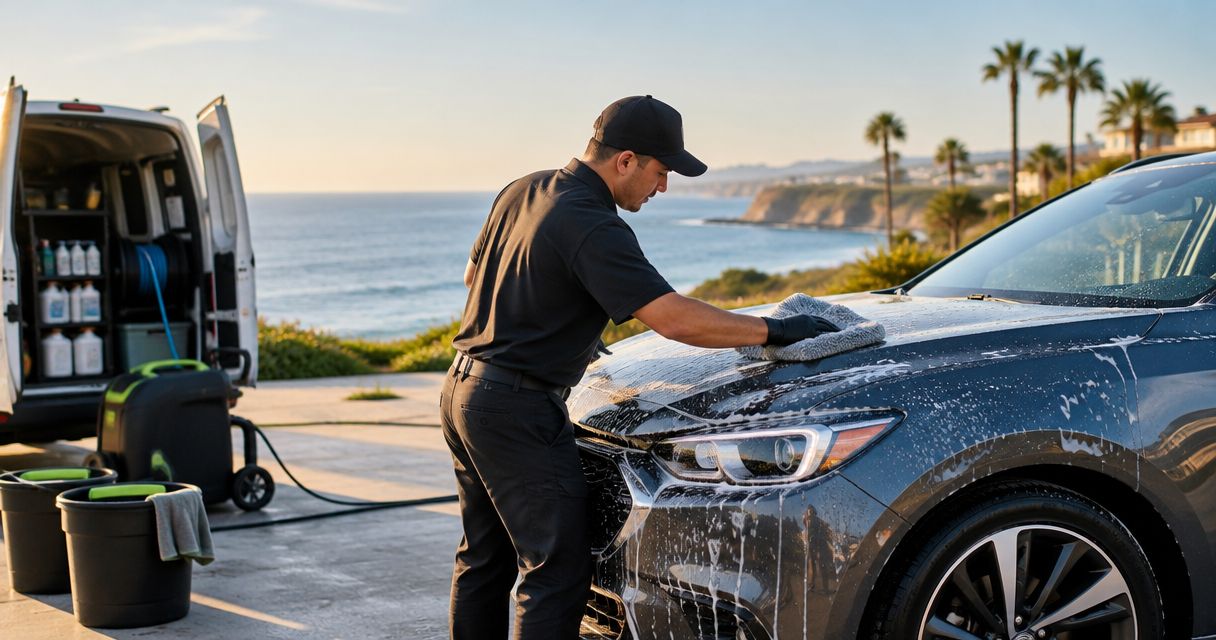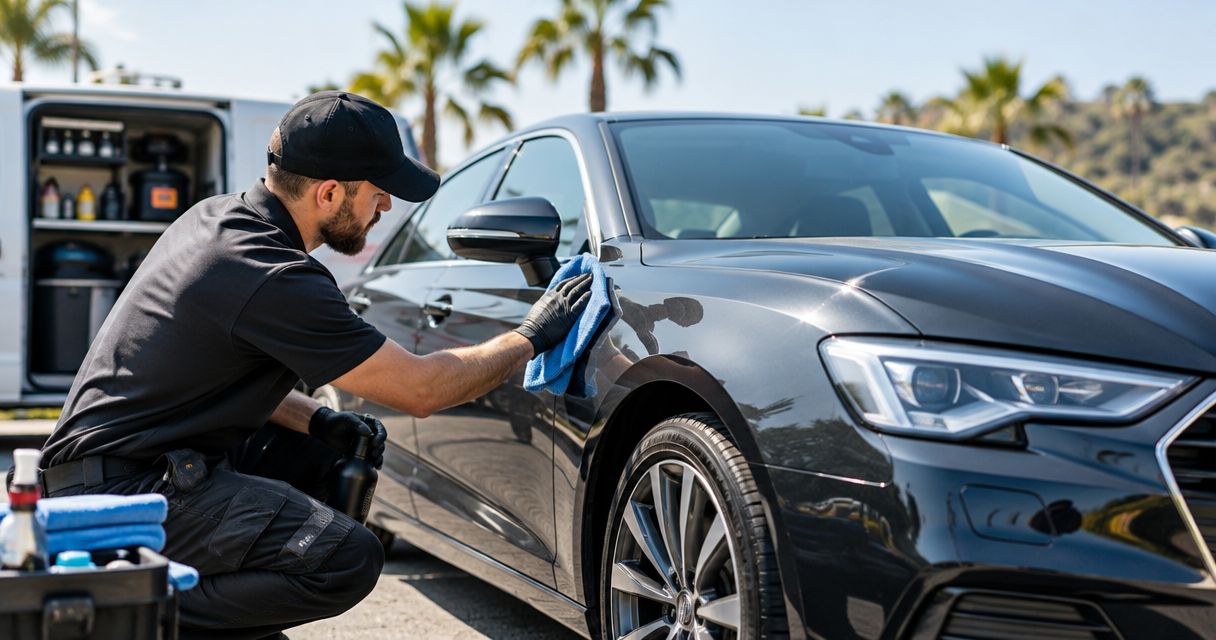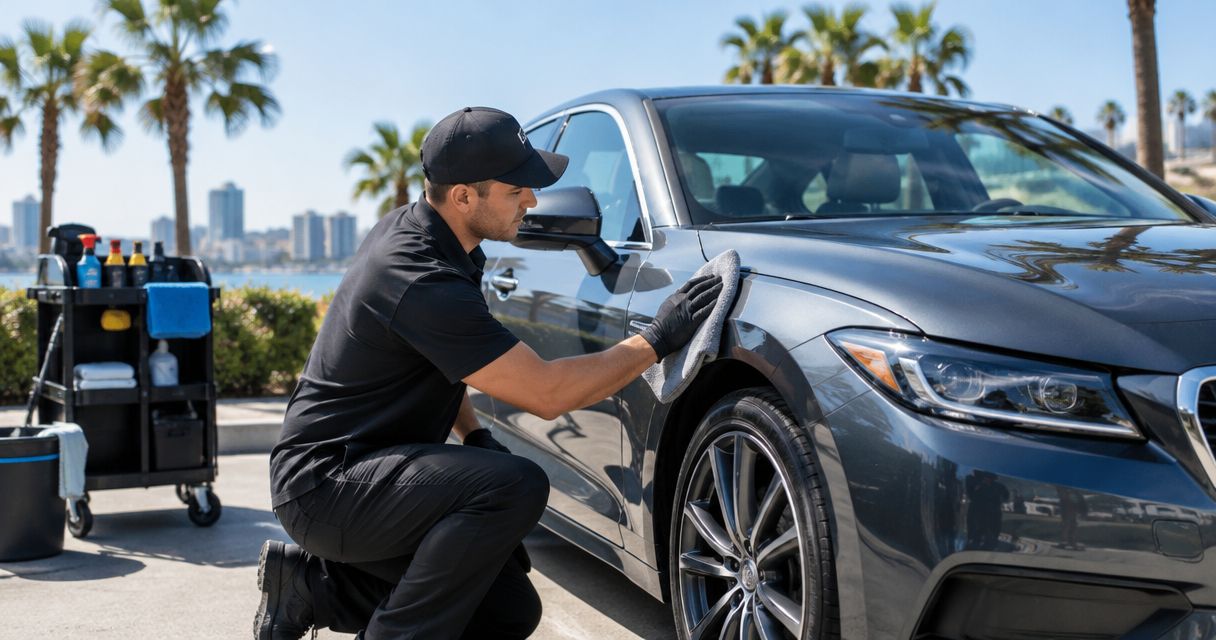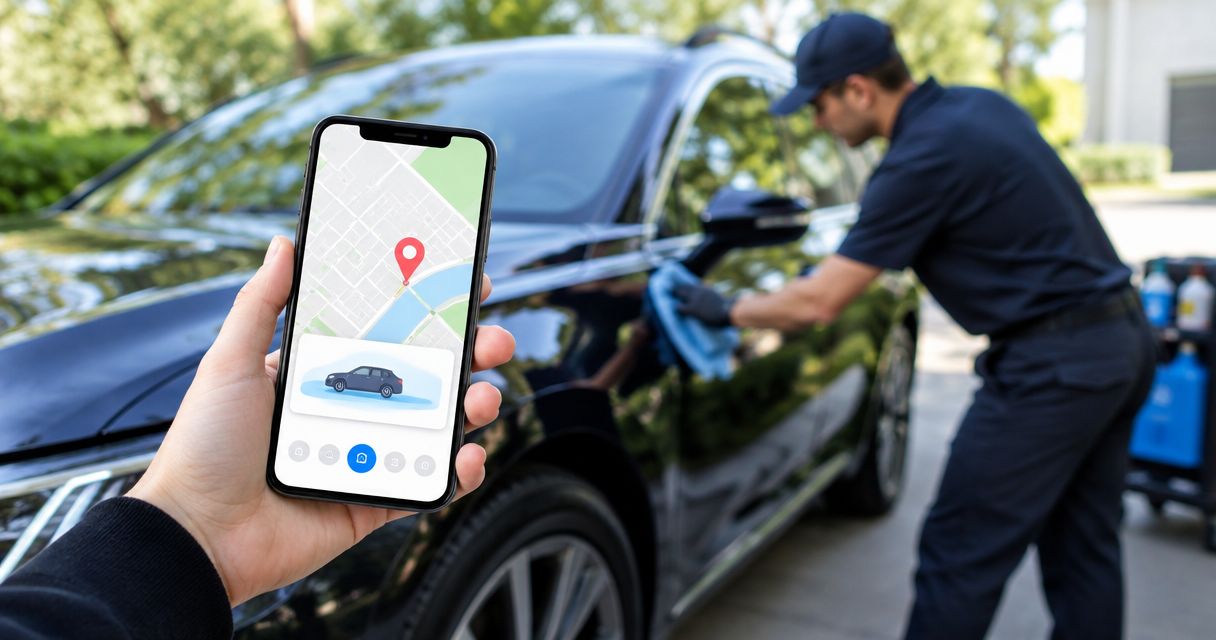
Instead of searching repeatedly and explaining your car’s needs from scratch, book mobile detailing through Google Maps by finding the correct business, opening its website or calling, and confirming the service and appointment directly. For Spiffy Me, verify the listing against Spiffymeofficial before sharing your address or submitting a request.
- To book mobile detailing through Google Maps, verify the business, request the service, and obtain appointment confirmation.
- Spiffymeofficial mobile detailing is best for Orange County owners seeking interior detailing, exterior detailing, or ceramic coatings.
- Use Website or Call when those controls appear; use Book only when the listing provides it.
- A submitted quote request is not a confirmed appointment. Get the service, location, and appointment details confirmed directly.
Why this matters
Google Maps helps you find a business and reach its contact channels. It does not make every detailing listing a direct booking system. The booking is complete when the business confirms your appointment, not when you open a listing or send an inquiry.
For a 2026 appointment, keep discovery and confirmation separate. First verify whom you are contacting; then agree on what work you want and where the vehicle will be parked. This prevents a search result, quote request, or suggested time from being mistaken for an accepted booking.
Spiffymeofficial mobile detailing is best for Orange County car owners seeking interior detailing, exterior detailing, or ceramic coating service. The benefit is having a mobile service come to the agreed location; the limitation is that your address, parking arrangement, and requested work still need confirmation.
Before you start
- Prepare your vehicle details. Have the make, model, year, main concerns, and recent photos ready. As a practical starting point, prepare 3 photos: the whole vehicle, the area needing attention, and the parking location.
- Prepare your location and timing. Have the service address, parking instructions, and 2 preferred appointment windows ready. Confirm that the property permits the proposed work before requesting an appointment there.
- Check the booking route. You need access to Google Maps and a phone or browser for the business’s contact channel. The non-obvious catch: a listing can provide contact controls without providing an appointment calendar, and a business address is not automatically your service destination.
You do not need to create a new booking account before checking the listing. Follow any account requirements only after verifying that the linked destination belongs to the business you intend to contact.
Business listing verification
Start your 2026 booking with identity, not the first search result. Similar names are not enough to establish that a listing belongs to the business you want.
- Open Google Maps in the app or your browser. Enter Spiffy Me and Orange County in the search field.
- Open the relevant business result. Check the business name, service description, and website destination rather than relying on the name alone.
- If the listing displays Website, open it. Check that the destination matches the official domain, spiffymeofficial.com, before sending personal information.
- Read the available contact and service information. Look for mobile detailing, interior or exterior detailing, and ceramic coating information relevant to your request.
- Stop if the identity is unclear. Return to the official website rather than selecting a similarly named business and assuming it is the same provider.
Expected result: You have identified the intended business and a contact route you can verify. You have not booked anything yet.
Do not use Directions as a substitute for booking a mobile visit. Directions help you travel to a mapped location; they do not tell a detailer where your vehicle will be or establish an appointment.
Service request preparation
Choose the work before asking for a time. Spiffymeofficial provides interior detailing, exterior detailing, and ceramic coatings, but those service categories do not establish the exact tasks included in your quote.
| Service category | Best for | Main benefit | Limit or question to resolve |
|---|---|---|---|
| Interior detailing | Owners focused on the cabin | Directs the request toward interior cleaning needs | Confirm which surfaces and concerns the proposed work covers |
| Exterior detailing | Owners focused on outside surfaces | Directs the request toward exterior cleaning needs | Do not assume polishing or scratch correction is included |
| Ceramic coating | Owners seeking a protective coating | Focuses the discussion on coating and surface preparation | Confirm preparation, application requirements, and aftercare separately |
The table is a service-selection aid, not a package list. Choose the service around the problem you want addressed, then ask for the scope in writing.
- State the service category you want. If you need both interior and exterior work, say so explicitly rather than using only the word detailing.
- Describe the vehicle’s condition. Mention concerns such as pet hair, stains, dirt buildup, or visible paint marks without diagnosing the treatment yourself.
- Attach the relevant photos when the contact channel supports them. Use clear images of the actual vehicle rather than reference photos showing someone else’s result.
- Supply the proposed address and parking arrangement. Mention a shared garage, gated access, street parking, or property restrictions when applicable.
- Ask what is included and excluded. For ceramic coating, ask about preparation and aftercare instead of assuming that every related task is included.
Expected result: The business has enough information to discuss an appropriate service, identify unresolved questions, and provide a quote.
A request you can adapt
Write a short message identifying your vehicle, the service you want, its current condition, and the proposed Orange County location. Add your preferred appointment windows and ask the business to confirm the service scope, quote, site requirements, and appointment details.
Keep the request factual. A description such as pet hair on the rear seats is more useful than asking for the highest-level package when you have not established which packages the business offers.
Contact and appointment confirmation
For your 2026 request, use whichever verified contact route the listing actually provides. Website, Call, and any booking control serve different purposes; do not treat them as interchangeable confirmations.
- Select Website to use the business’s own contact or booking process. Read the page instructions before submitting, and distinguish a quote form from an appointment form.
- Select Call if you want to discuss the vehicle or parking setup directly and the listing displays that control. State the service category and location before asking about timing.
- If Book appears, open it and verify the destination. Follow the displayed instructions, but do not assume that this control exists on every listing or that it uses the same process as the website.
- Review what you are sending. Check your contact details, vehicle description, address, requested service, and preferred timing before submitting.
- Obtain explicit appointment confirmation. Keep 1 confirmation record containing the agreed date, time or arrival window, service location, and service scope.
Expected result: You have either a submitted inquiry awaiting a response or an explicitly confirmed appointment. Know which one you have before arranging access to the vehicle.
Keep a copy of the confirmation in the channel where it was issued. If the conversation happened by phone, ask how the appointment details will be confirmed so you can check them later.
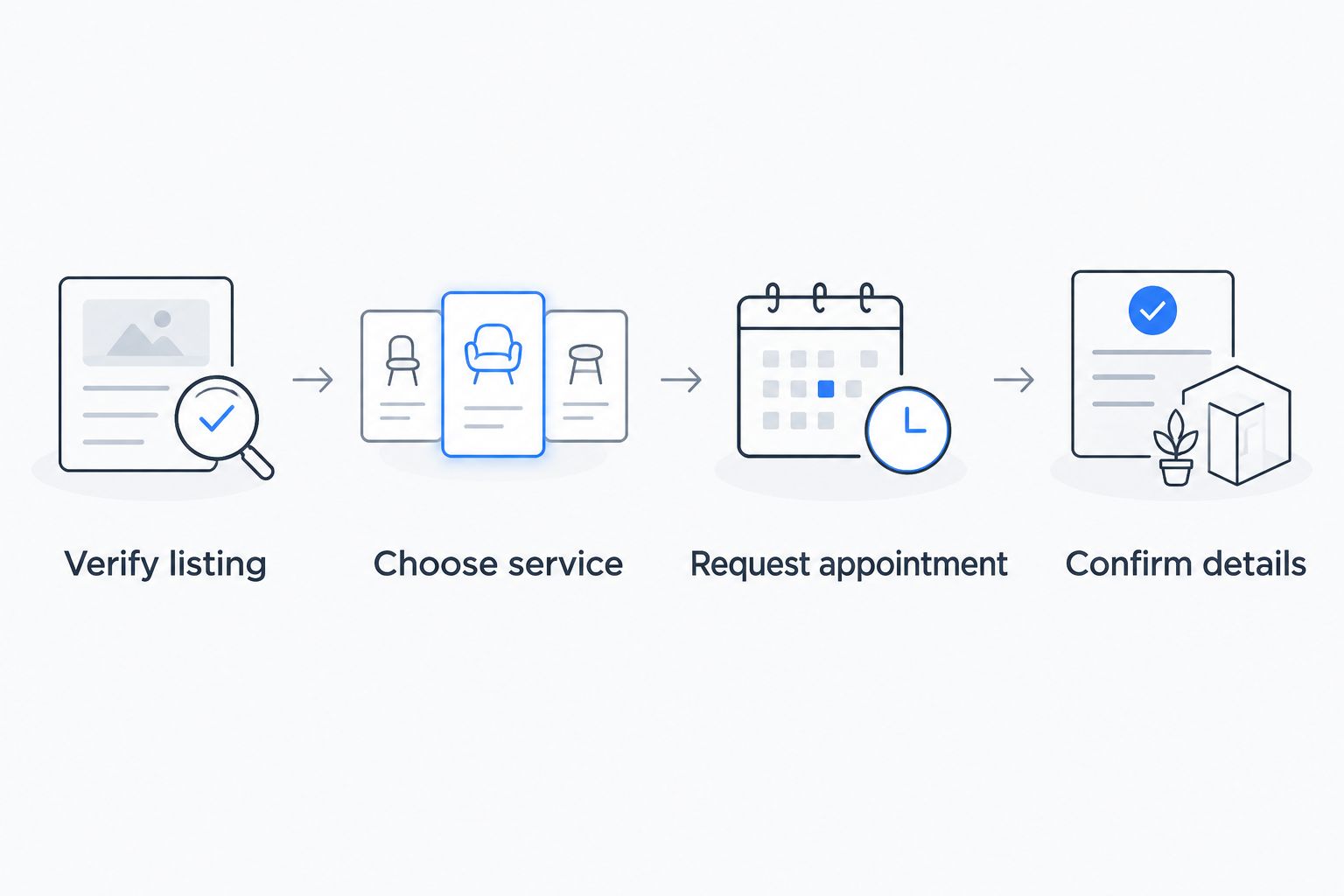
A quote and an appointment answer different questions. The quote describes the proposed work and its terms; the appointment establishes when and where that work is scheduled. Ask for both rather than assuming that acceptance of one automatically establishes the other.
Mobile visit preparation
Before the 2026 visit, resolve the physical setup with the business. Mobile detailing brings the service to the agreed location, but that does not establish permission to work in every parking space.
- Confirm the exact location where the vehicle will be parked. Distinguish the street address from a garage entrance, visitor space, or other access point.
- Explain any gates, parking rules, or property approval requirements. Do not provide sensitive access information through an unverified listing or contact channel.
- Ask about site requirements, including water, power, working space, and any weather-related instructions. Do not assume which equipment or utilities the business supplies.
- Ask how the vehicle should be prepared. Clarify personal-item removal, vehicle access, and anything specific to the requested work.
- For ceramic coating, confirm the business’s instructions for the period after application. Ask about washing, exposure, and handling rather than applying a generic online timetable.
Expected result: Both parties understand the service location, access arrangement, vehicle preparation, and any instructions affecting the visit.
Check these details before moving the car or changing your schedule. A clear site description gives the business an opportunity to address access problems before the appointment.
Request your detailing quote
Share your vehicle, requested service, and Orange County location to start the booking conversation.
Update an existing appointment
Use the same confirmed contact channel when your vehicle, location, or requested work changes. You do not need to restart the search process for every adjustment, and submitting another form can leave separate conversations describing different requirements.
- Find the original confirmation and identify the appointment you want to change.
- State exactly what changed: service scope, vehicle condition, address, parking access, or preferred timing.
- Ask whether the change affects the quote or appointment arrangement.
- Obtain an updated confirmation before treating the change as accepted.
Expected result: You have a revised appointment record rather than an unanswered request attached to an older booking.
For a repeat visit, reuse your vehicle details but update the condition photos and location information. Previous service does not establish that the next visit needs the same work or can use the same parking setup.
Troubleshooting your Google Maps booking
A similarly named business appears
Check the website destination and service description. If they do not match the business you intend to contact, stop and use the official website. Do not choose a different listing merely because its name looks familiar.
There is no booking button
Use Website or Call if those controls appear. A listing without a booking control can still provide a route to request service; complete the appointment through the business’s verified process.
You submitted a form but received no appointment confirmation
Treat the submission as an inquiry. Check the response channel you provided and follow up through the verified business contact route. Do not reserve vehicle access around an appointment that has not been accepted.
The listing opens directions instead of a mobile appointment
Return to the business profile and choose its contact route. Explain where the vehicle will be serviced. A mapped business location does not replace confirmation of your proposed mobile service address.
Your property has work or parking restrictions
Check with the property manager and describe the restrictions to the business. Ask whether the proposed site is suitable before confirming it. Do not assume that a visitor space or shared garage permits detailing work.
Customize your detailing request
Match the booking conversation to how you use the vehicle. A daily driver with cabin concerns needs a different discussion from a vehicle being prepared for sale, even when both owners start with the same Google Maps search.
If you are preparing to sell, use the car detailing guide for private car sellers to organize the questions you bring to the quote request. State your goal and timing without assuming that detailing removes every defect.
For coating requests, separate appearance concerns from protection goals. Ask Spiffymeofficial what preparation the proposed service includes, what it does not include, and which aftercare instructions apply. That keeps the appointment focused on agreed work rather than an unspecified result.
FAQ
How do I book mobile detailing through Google Maps?
Find the correct business listing, verify its website, and use the contact or booking route it provides. Send your vehicle, service, and location details, then obtain explicit appointment confirmation.
Can I book Spiffymeofficial directly inside Google Maps?
Use a direct booking control only if the verified listing displays one. Otherwise, use Website or Call when shown and complete the request through the business’s own process.
Do I need a Google account to request mobile detailing?
You do not need to create a Google account simply to contact a business through its website or by phone. Follow any account requirements shown by the particular booking channel you choose.
What should I send with a mobile detailing quote request?
Send your vehicle’s make, model, year, condition, requested service, proposed address, and preferred appointment windows. Include clear photos and explain any parking or access restrictions.
Does a quote request mean my appointment is booked?
No. A quote request starts the service conversation; your appointment is booked when the business explicitly confirms the agreed timing, location, and work.
Should I use Directions for a mobile detailing appointment?
No. Directions provide a route to a mapped location, not confirmation of a mobile visit. Arrange the vehicle’s service location directly with the business.
What should I ask before booking ceramic coating?
Ask what surface preparation is included, what site conditions are required, and what aftercare instructions apply. Do not assume that polishing, scratch correction, or a particular protection period is part of the service.
One last thing
For a 2026 booking, make the final check about the parking location, not just the calendar. The address can be correct while the usable work area is still unclear. Confirm where the vehicle will be, how it can be accessed, and whether the proposed work is permitted there before considering the arrangements complete.